

Appearance
App template permissions
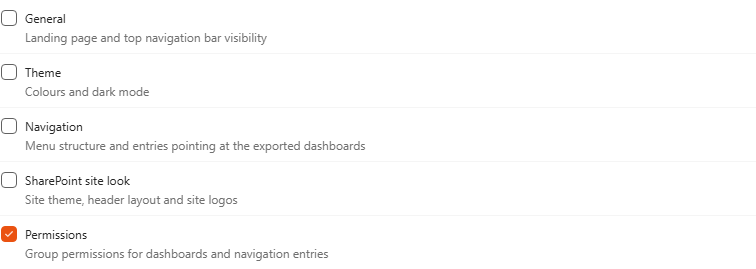
When you create an app, you choose which settings it carries: General, Theme, Navigation, SharePoint site look and Permissions. Tick Permissions to include the security applied to the app's dashboards and navigation items.
How it works
- SharePoint groups only. The app carries permissions given to SharePoint groups, not to individual people. We recommend using SharePoint groups to secure dashboards and navigation items for this reason.
- Groups are created for you. When the app is imported, every SharePoint group used by its dashboards or navigation items is created on the destination site, with the Read permission level, if it doesn't exist there yet. Permissions given to the site's Owners, Members and Visitors groups are mapped to the destination site's own Owners, Members and Visitors groups.
- Members aren't included. Users differ from one tenant to another, so the app can't carry who is in each group. Add the members on the destination site after the import.
Set it up
- Share your dashboards and navigation items with SharePoint groups. See Navigation: who can see an item.
- In Settings > Import/Export, create or edit the app and tick Permissions under Settings to include.
- Save and export the app.
- Import it on the destination site, then add the right people to each group.