

Appearance
What you can build
Sintel BI turns the data you already keep in SharePoint lists, Excel files and SQL databases into dashboards and apps. Here are some examples of what teams build with it. Each example links to the pages that show how.
A KPI dashboard
Key figures in large type, a chart comparing budget and spend, a donut of statuses and the list of projects underneath, all from SharePoint lists.
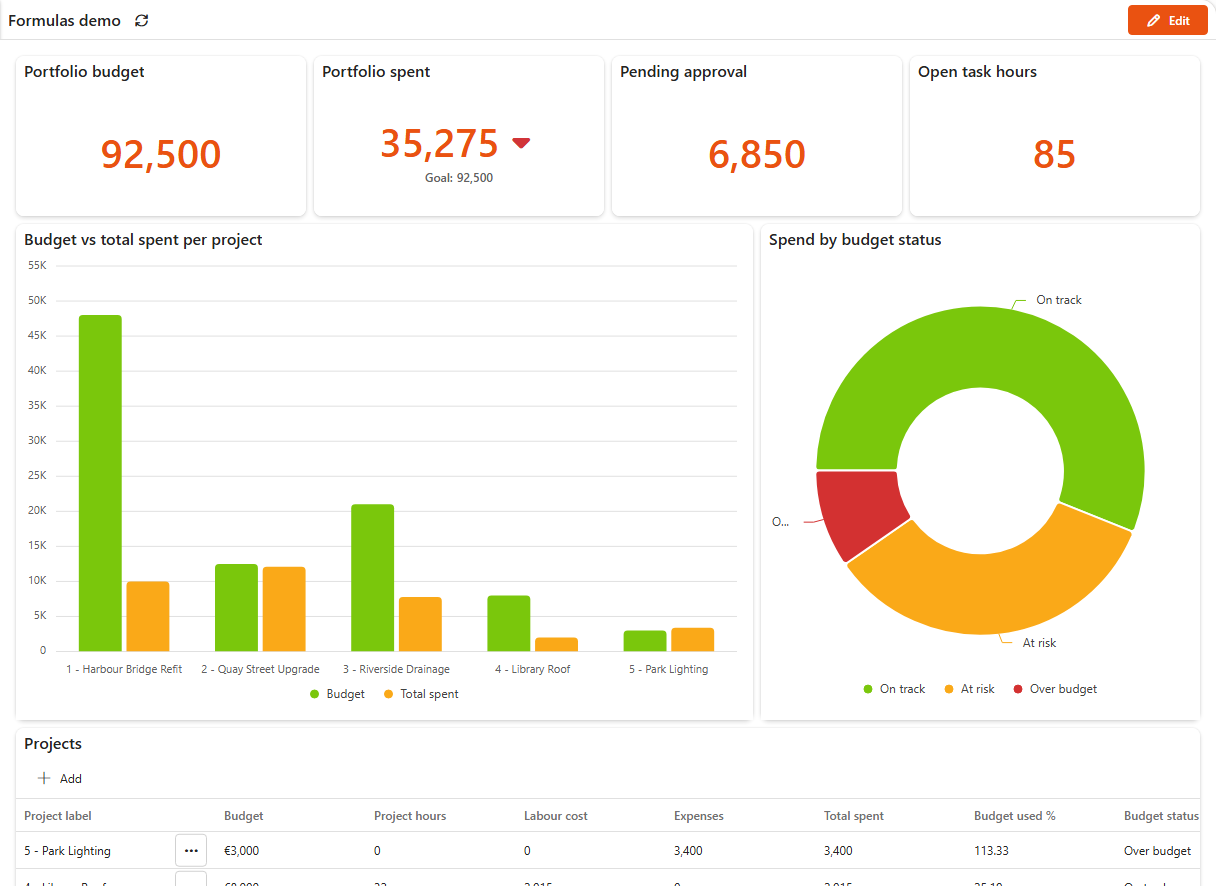
Built with: Summary card, Column chart, Donut chart, Grid and Formulas for the totals. You can import this exact dashboard from the demo app.
A task board
A Kanban board of tasks grouped by status, so a team can see its work at a glance.
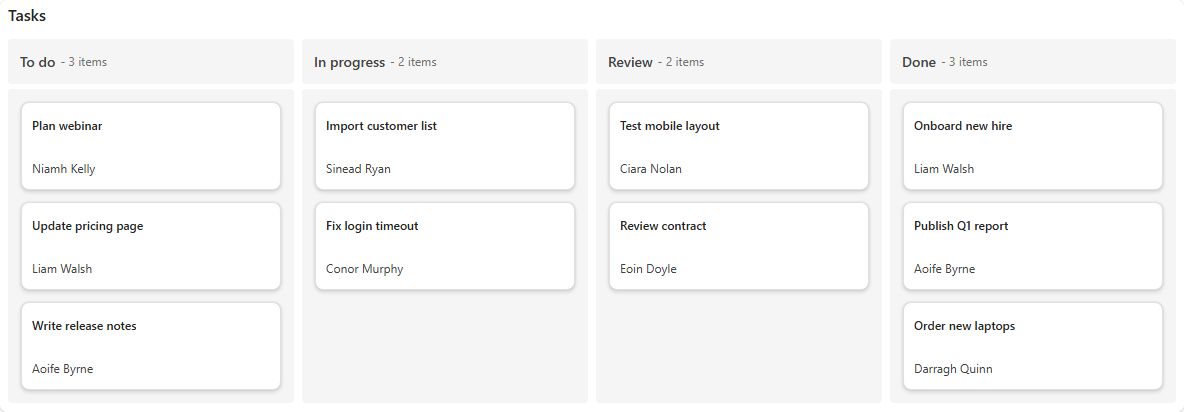
Built with: Kanban board. Add a Scheduler to show the same items on a calendar.
A department app with its own start page
A branded start page that links to each area of the app: dashboards, forms and reports.
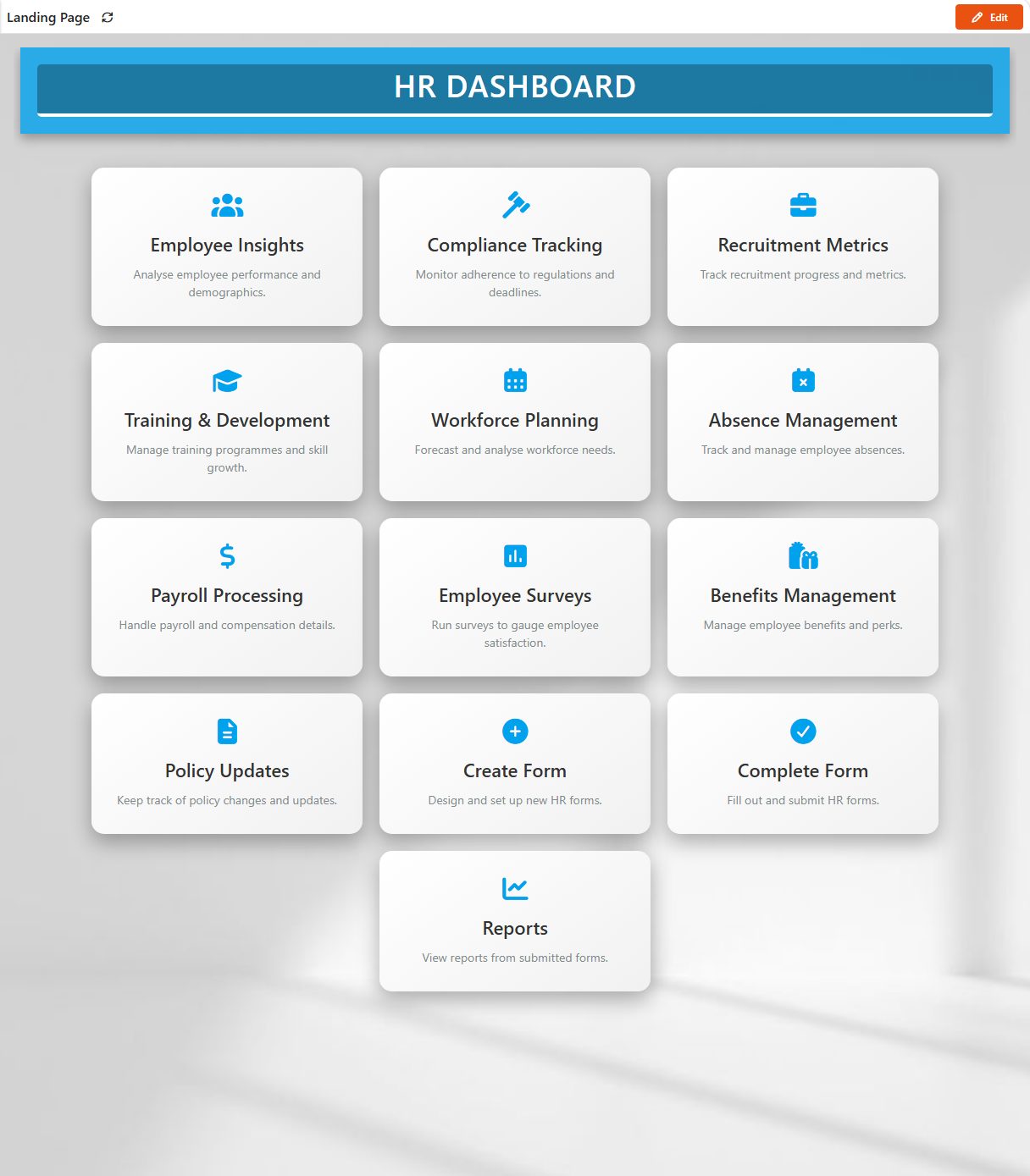
Built with: Custom landing page, Navigation and, for the forms, Sintel Apps.
One place for all your apps
An App Hub lists the apps on your sites, so people know where to go.
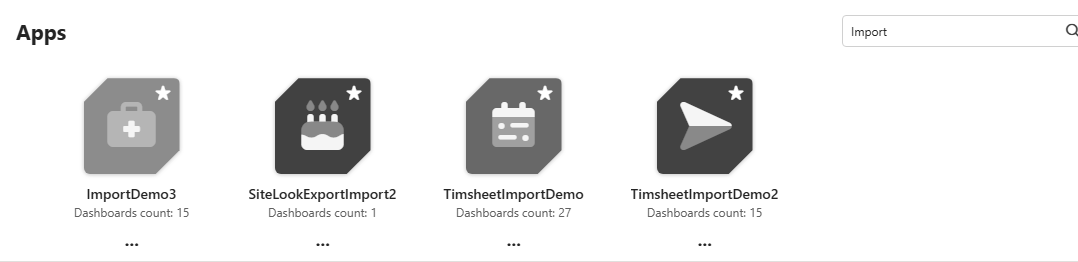
Built with: App Hub.
A dashboard on any SharePoint page
Put a dashboard on a team site's home page, next to the news and documents people already use.
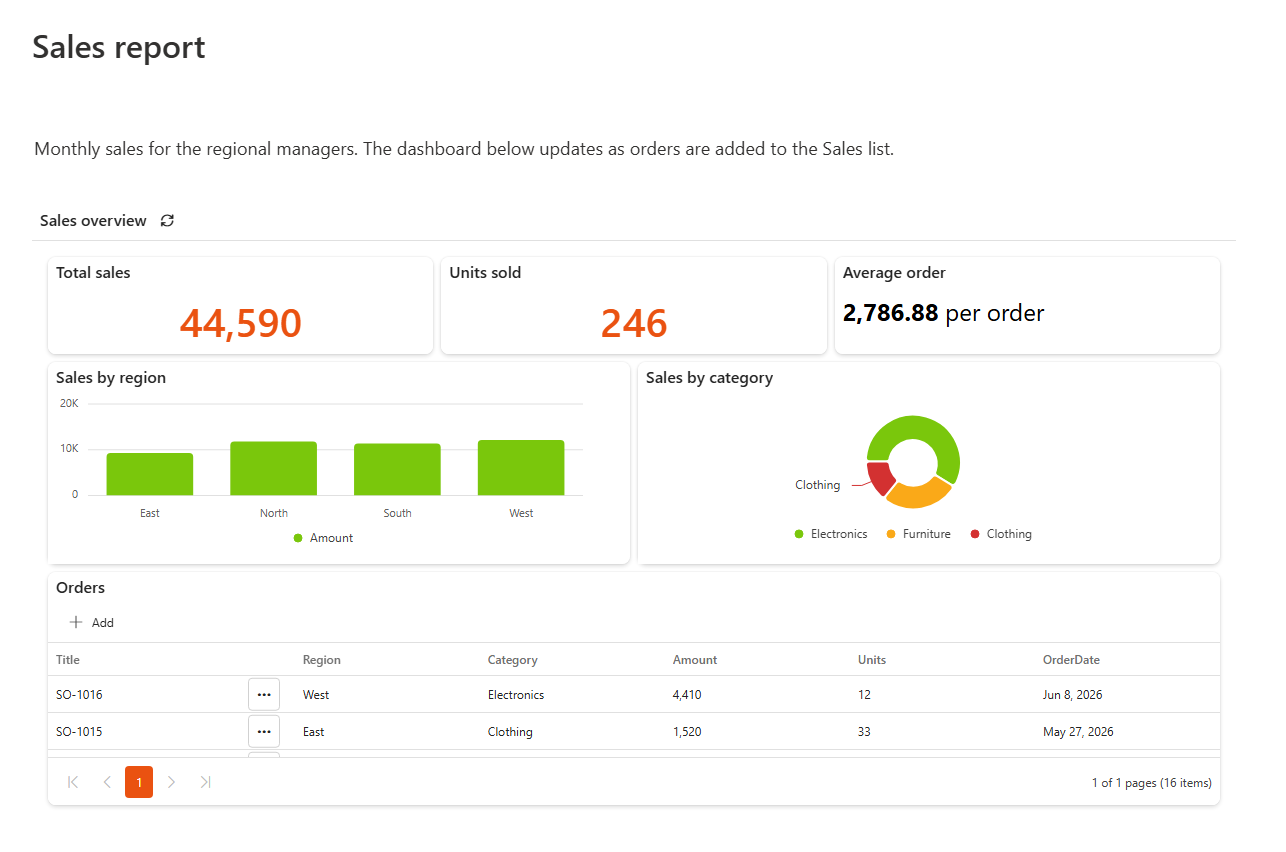
Built with: the Sintel BI web part.
Reuse what you build
Build an app once and export it to another site, for example from a test site to production, or for another team.
Ready to start?
- Start here to see who does what.
- How to use Sintel BI for a quick tour from data source to shared dashboard.
- See the pricing page for licences.