

Appearance
Blank screen when opening a dashboard
Symptom
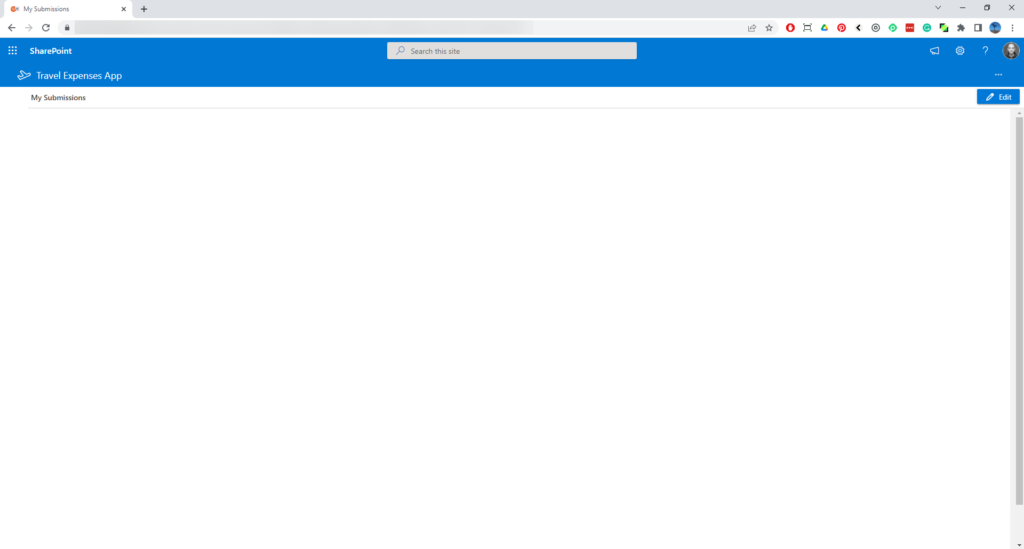
When you open a Sintel BI dashboard, the page stays blank.
Cause
This can happen after the Sintel BI app was updated in the tenant app catalog, when the copy of the app added to the site is older than the version in the catalog.
Fix
Who can fix this
A site owner. If that isn't you, send this page to your site owner.
Update the app on the site:
- Open Site contents on the site with the problem and find the Sintel BI app.
- Click the ellipsis (...) next to the app and click Details. A GET IT button offers to update the app on the site.
- Click GET IT. You're taken back to Site contents, where the app shows as updating.
- Press F5 to refresh the page. Open Details again to check that the app version has changed.
- Open the Sintel BI dashboard again. It should now load.
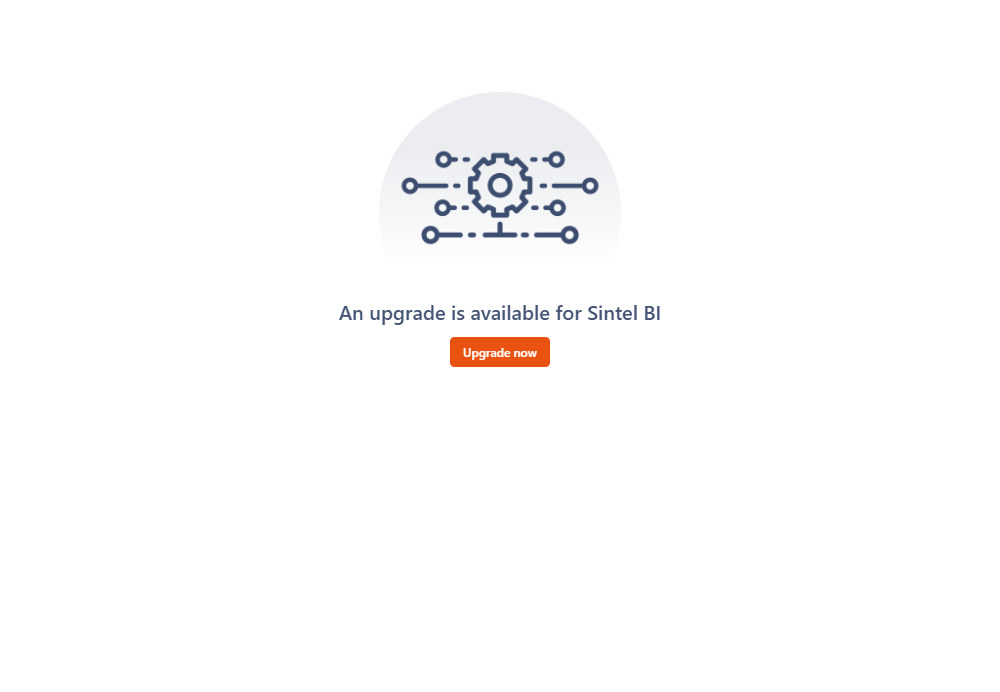
If the update changed Sintel BI's structures on the site, Sintel BI shows An upgrade is available for Sintel BI. Click Upgrade now! and the upgrade finishes in a few seconds.
If these steps don't help, remove and reinstall Sintel BI. This needs a tenant administrator and takes about five minutes.
See also How to update.