

Appearance
SintelBISPPrincipals does not exist
Symptom
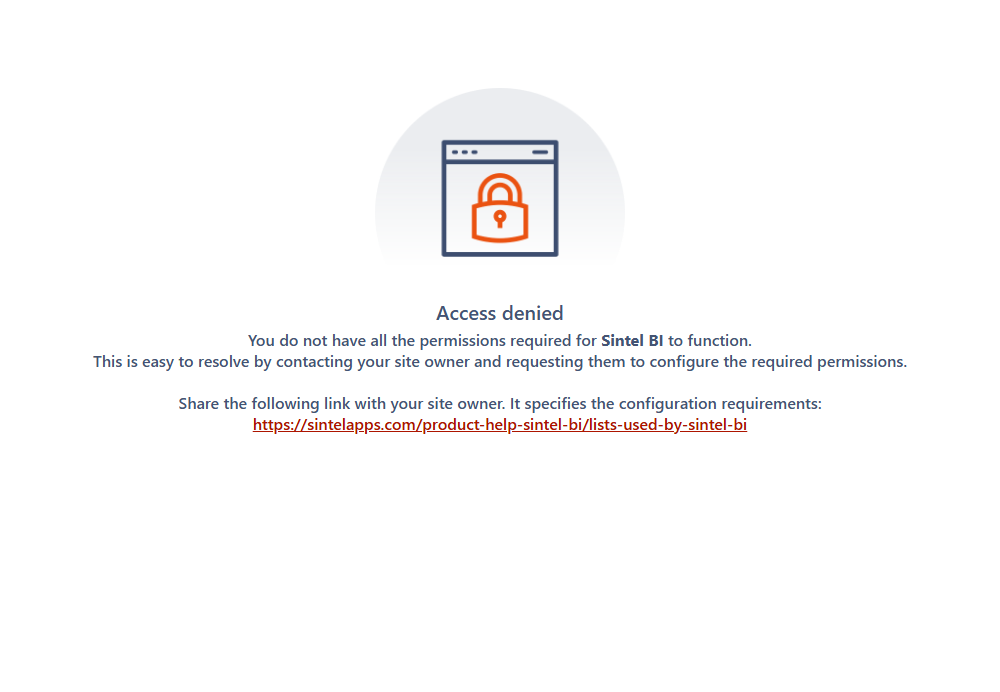
When you open a Sintel BI dashboard, you get an error about the SintelBISPPrincipals list, for example that it does not exist. In current versions Sintel BI shows an Access denied screen instead:
You do not have all the permissions required for Sintel BI to function. This is easy to resolve by contacting your site owner and requesting them to configure the required permissions.
One user or everyone?
This page is for when everyone (except perhaps site owners) gets the error. If only one person or a few get it while others open dashboards fine, or several lists' permissions were changed, see One user or everyone?
If you only view dashboards
This isn't caused by your computer. Send this page to your site owner. How to find your site owner
Cause
The permissions on the SintelBISPPrincipals list were changed.
Sintel BI keeps its configuration (data sources, dashboards, components and so on) in a set of lists on the site. Everyone who opens dashboards needs read access to these lists, and the site's Visitors group needs Edit access to four of them, including SintelBISPPrincipals. If that access is removed, the list looks as if it doesn't exist to the user.
Fix
Who can fix this
A site owner. If that isn't you, send this page to your site owner.
Restore the permission:
- Open Site contents and open the SintelBISPPrincipals list.
- Open the list's settings, then Permissions for this list.
- Grant the site's Visitors group the Edit permission level.
- Ask the user to reload the dashboard.
See Lists used by Sintel BI for every list Sintel BI uses, what it's for and the permissions it needs.