Appearance
Export: outdated data sources
Symptom
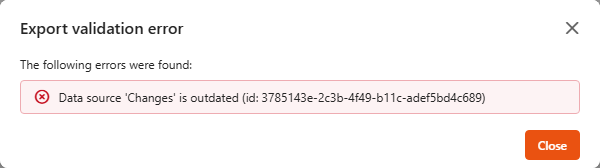
When you export an app, the export stops with an Export validation error:
The following errors were found: - Data source 'Name' is outdated (id: ...)
Cause
Before exporting, Sintel BI checks every data source in the app. If the structure of a list behind a data source has changed significantly since the data source was last saved (for example columns were added or removed), the data source is outdated, and you need to review the change first.
Fix
Who can fix this
Anyone who can edit the data sources named in the error.
- Note the data sources named in the error and click Close.
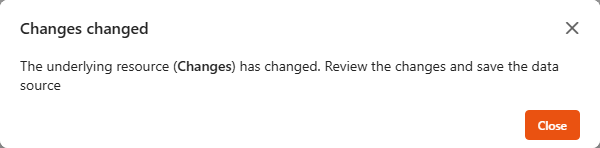
- Open each of them from the Data Sources page. Sintel BI tells you the list has changed: "The underlying resource (Name) has changed. Review the changes and save the data source". Click Close.
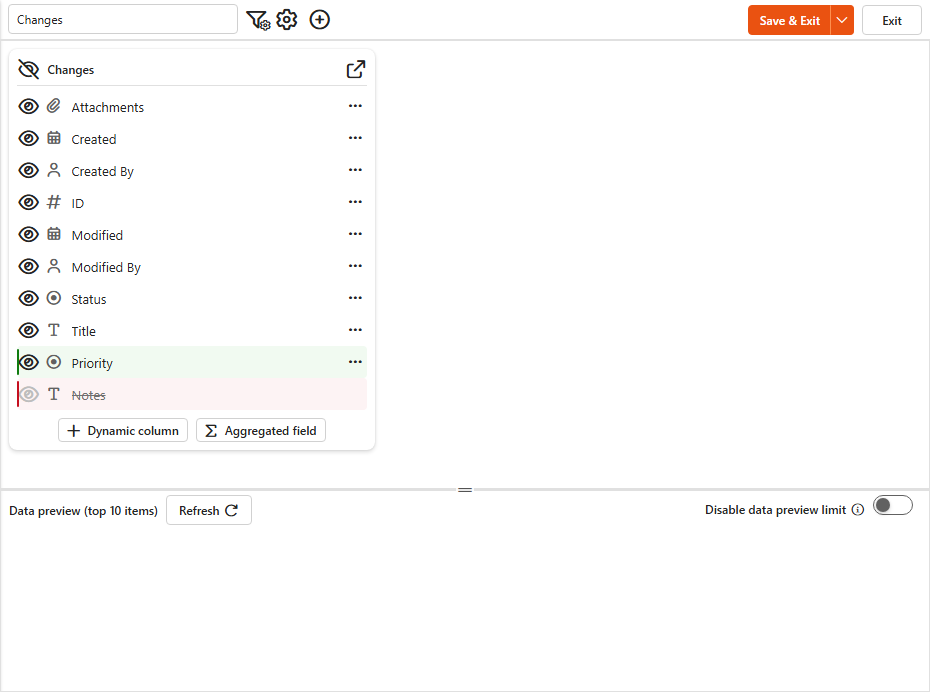
- Review the highlighted columns. Added columns are shown in green; removed columns are shown in red and struck through.
- When you're happy with the changes, click Save & Exit.
- Export the app again.